



 74
74
If a client submits a chargeback in Shopify, follow these steps to Submit a Response
Log into Shopify
Locate the Order that the chargeback was submitted on
An Orange Banner will appear on the order that the chargeback was submitted on.
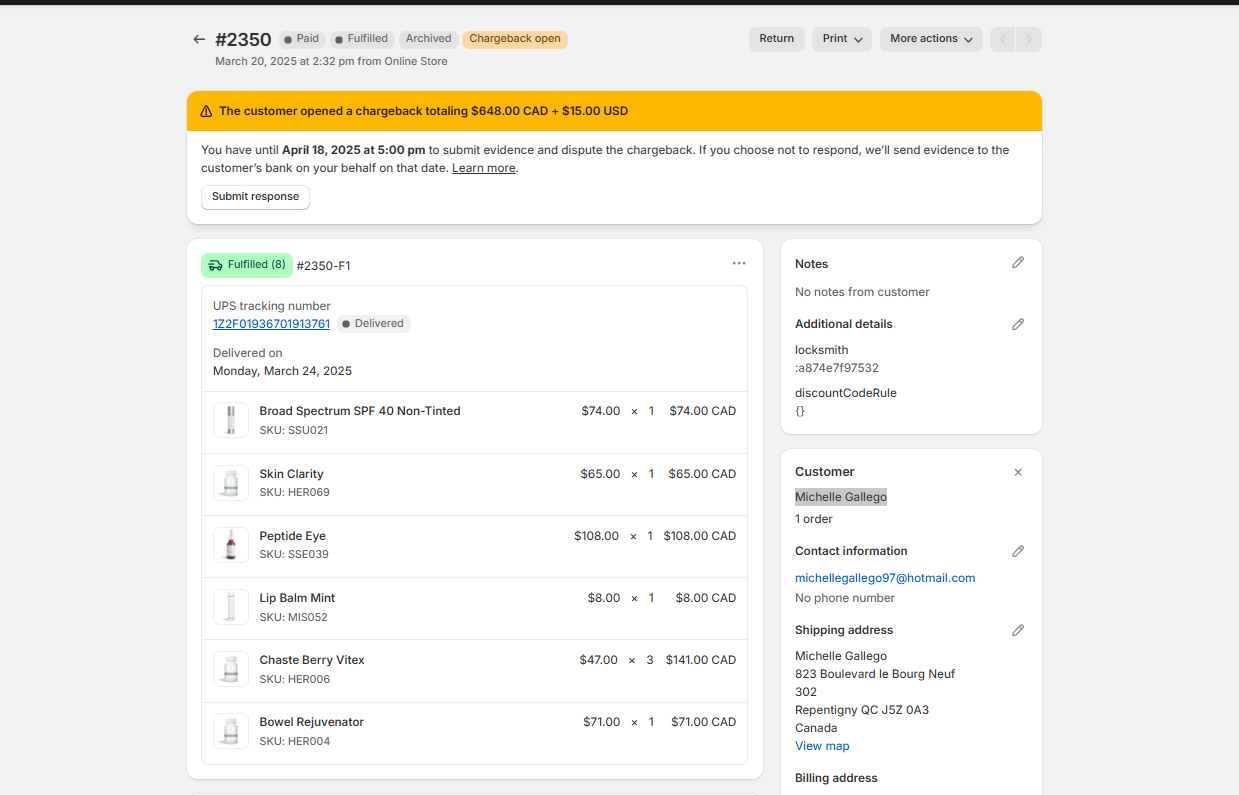
Click on Submit Response.
If we need to Accept the Chargeback, click on Accept Chargeback.
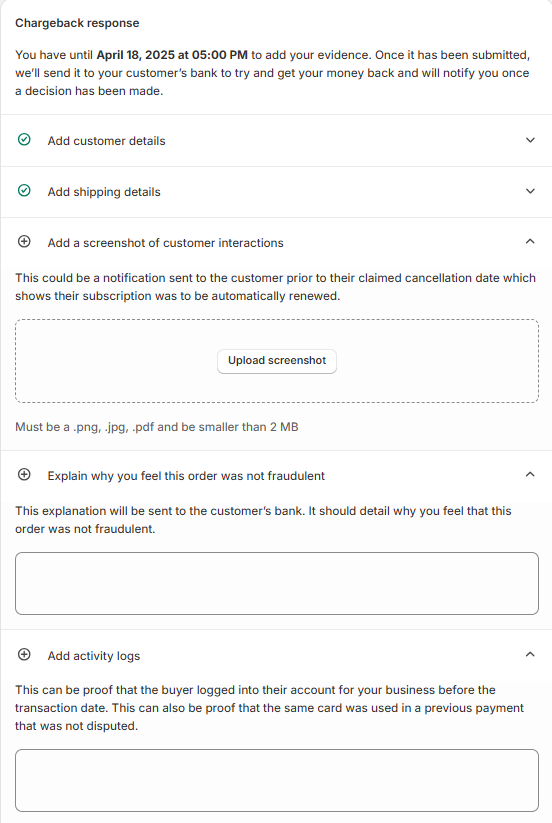
If we need to dispute the Chargeback complete the information under Chargeback Response.
Please Note: There is a limited amount of time to submit a dispute, so please make sure this is submitted prior to the date given.
Add Customer Details
Add Shipping Details
Add Customer Interaction Information.
Explain why you feel the order was not fraudulent
Add Activity Logs
Add a screenshot of Service Documentation
Add any additional documents that support your case
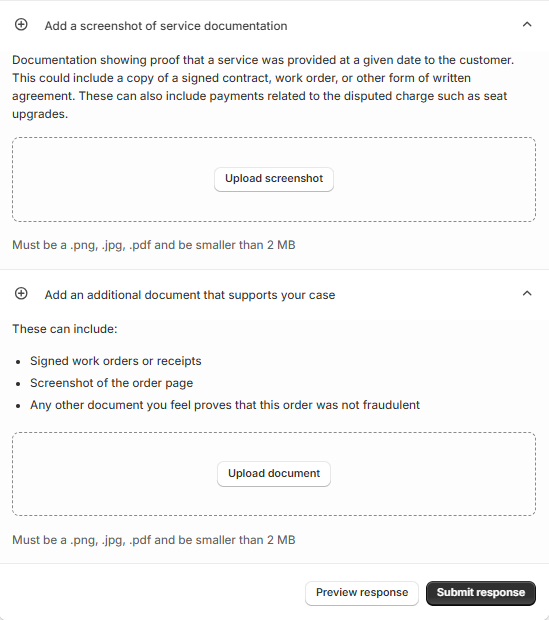
Once this has all been completed, Click On Submit Response at the bottom of the page.

